Dev Tools is a light code editor with AI next to your code. Run models beside your files and check the results in one place. Let an AI agent do the repeated checks that slow your team down. Every agent call goes through Pavii, so the six security gates protect your code and secrets.
Dev Tools
A light code editor with AI agents
Under development · Coming soon
We are building this product now. Book a call to learn more.
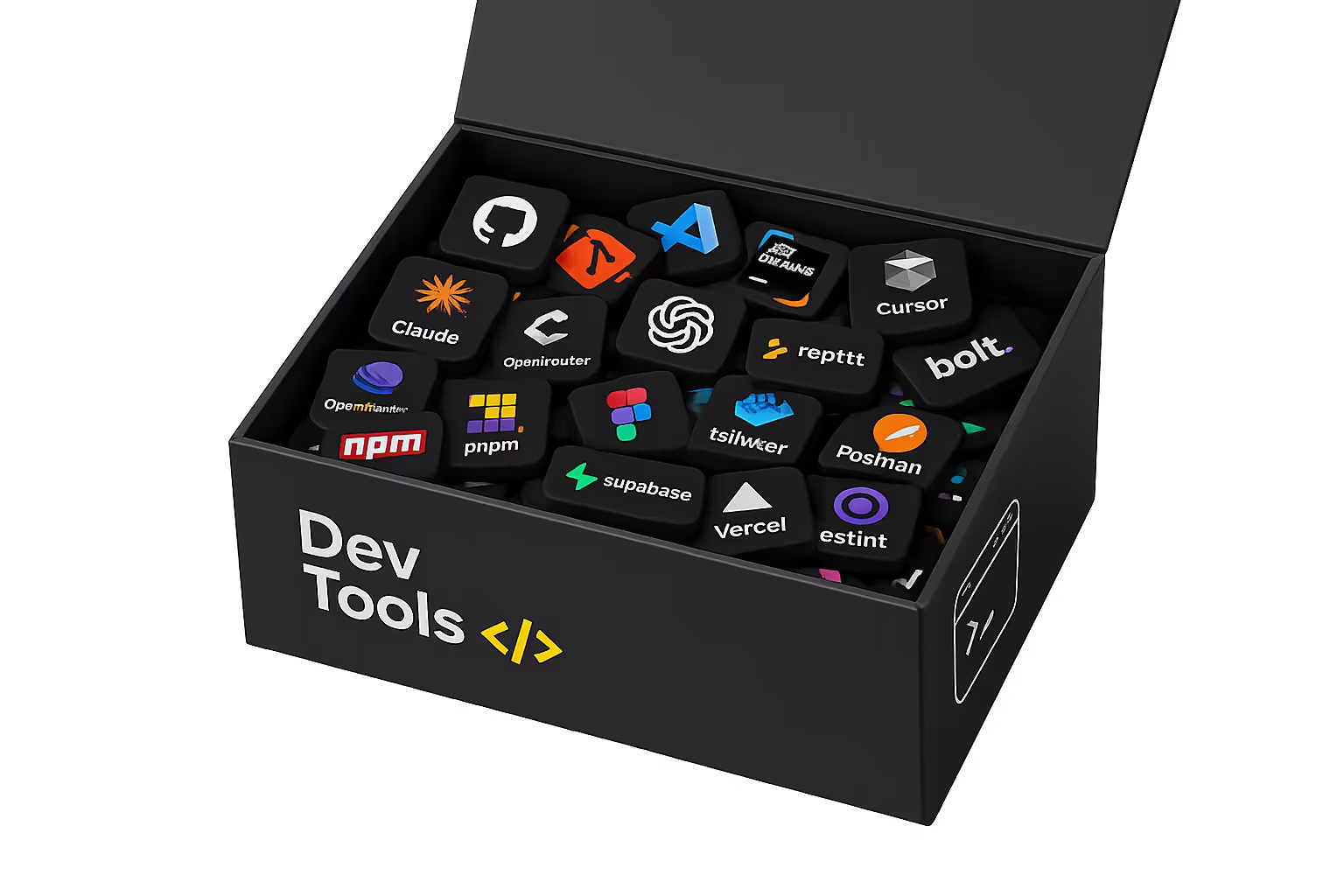
A Light AI Coding Workspace
Dev Tools puts a fast editor and an AI agent in one workspace. Compare model answers beside your code. Ask agents to review changes, run evaluations and write tests. Find problems before they reach production. Pavii records each agent action, so your team can see what the agent changed and why.
Models beside your code
Run AI models next to your code. Prompts, answers, files and context stay visible in one place.
Help from AI agents
Give the repeated work to an agent: code checks, evaluations, new tests and issue sorting.
Protected by Pavii
The privacy gate removes secrets and personal data before a model sees your code. The egress gate controls what the agent can send out.
Editor
A light code editor with one clean workspace for files, prompts, model answers and notes.
Model Workspace
Run and compare model answers beside your code. Test ideas without leaving the editor.
AI Agent
The agent checks changes, finds risks, suggests fixes and does repeated tasks for you.
Tests
Write and run tests from the code that you have open. Ship with more confidence.
Evaluations
Make repeatable checks for prompts, model behavior and code quality.
Review Checks
Ask the agent to find regressions, missing tests, wrong assumptions and risky code.
People in Control
You see the context and each suggestion. Nothing changes until a person accepts it.
Best For
Product teams that use AI, solo developers and engineering groups that want faster coding and better checks.

